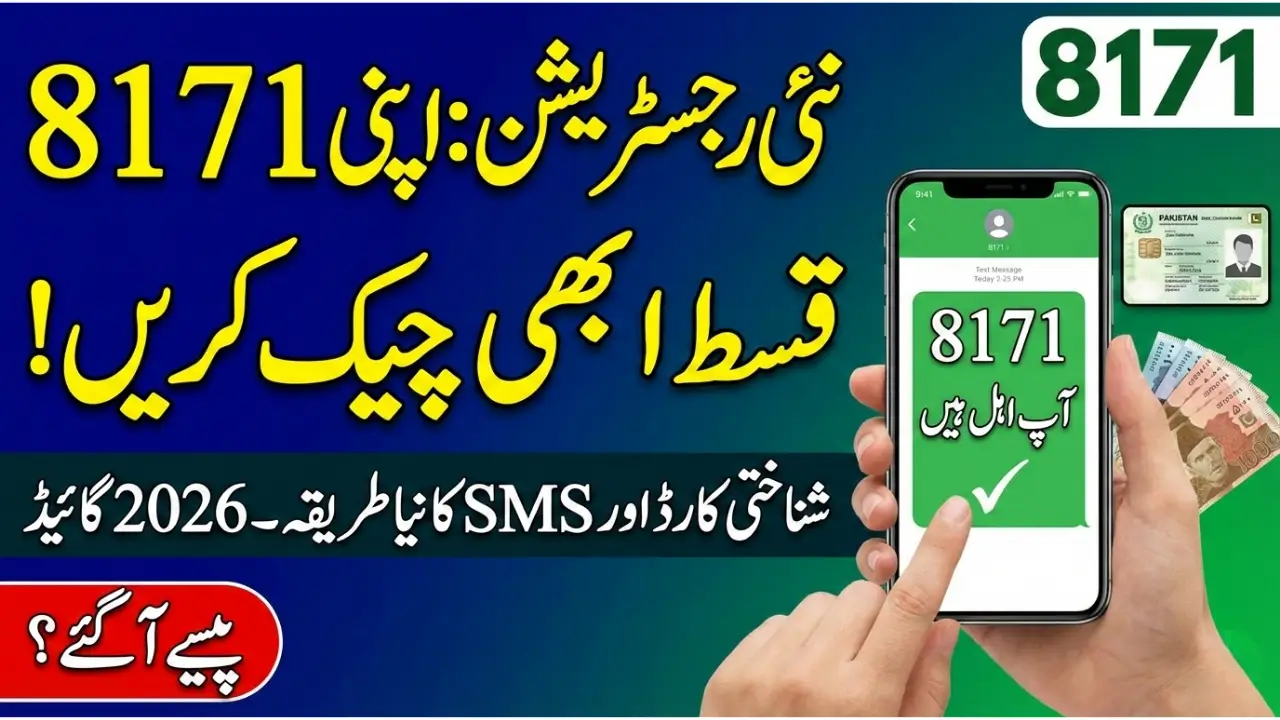
If you have recently completed your registration with the 8171 program, knowing how to check 8171 payment in 2026 is essential. This guide explains the official process to verify your payment status using your CNIC, either online or via SMS. By following this updated 2026 method, you will learn how to confirm your eligibility, track pending payments, and avoid common mistakes while ensuring safe installment collection.

For More Information: 8171 Portal Check Eligibility Status
8171 Payment Check 2026
The 8171 system is designed to provide quick and secure payments after new registrations. Once your data is submitted, it undergoes verification before approval. In 2026, applicants can:
- Check 8171 payment online via the official portal
- Send their CNIC via SMS to 8171 for status updates
- Collect payment at authorized centers after approval
Digital verification minimizes delays and ensures only eligible applicants receive installments.
Program Overview
| Feature | Method | Notes |
| Online Check | CNIC on portal | Instant status |
| SMS Check | Send CNIC to 8171 | Mobile verification |
| Status Types | Eligible, Under Review, Not Eligible | Check regularly |
| Payment Collection | Authorized centers | Avoid agents |
| Troubleshooting | Incorrect CNIC, expired ID | Verify before submission |
How to Check 8171 Payment Online
Checking payment status online is one of the most reliable methods. To check 8171 BISP payment using your CNIC:
- Visit the official 8171 portal.
- Enter your 13-digit CNIC number.
- Complete the captcha verification.
- Click the “Check Status” button.
The system will display whether your payment has been approved, is under review, or requires additional verification. Make sure your CNIC is valid and registered under your name to avoid errors.
For More Information: Ehsaas Program New Update
Using SMS to Check BISP Payment
For users without internet access, the SMS method is a convenient option.
- Open your messaging app.
- Type your 13-digit CNIC number.
- Send it to 8171.
You will receive a SMS showing your payment status. Always send SMS from a SIM registered in your name and ensure network coverage to receive timely updates. This method allows quick verification without visiting an office.
Common Issues After Registration
Even with official methods, applicants sometimes face problems when trying to check BISP payment:
- Under Review: Your data is still being verified. Wait a few days and check again.
- Not Eligible: Your household may not meet program criteria. Visit a registration center for clarification.
- No SMS Response: Confirm CNIC accuracy, active SIM, and sufficient network coverage.
Always rely on official channels and avoid agents to prevent fraud and errors.
For More Information: How to Check Apni Chhat Apna Ghar
Safety Tips for Receiving Payments
To ensure secure installment collection:
- Collect payments only from authorized centers.
- Keep your CNIC and verification details safe.
- Do not pay agents or middlemen any additional fees.
Following these precautions guarantees a safe, fraud-free experience.
For More Information: Ramzan Nigahban 10000 Cash Package 2026
FAQs
How long does verification take?
It may take a few days to several weeks depending on district processing speed.
Can I check BISP payments without the internet?
Yes, sending your CNIC via SMS to 8171 works on all mobile networks.
What if my CNIC expires?
You must renew your CNIC before payment verification.
Is there a cost to check online?
No, using the official portal to check payment is completely free.
Conclusion
Knowing how to check 8171 payment after new registration in 2026 is now easier than ever. Using either the online portal or SMS service ensures fast, safe verification of eligibility and installment status. Keep your CNIC updated, monitor your status regularly, and follow official channels to receive your payment securely and without delays.